This article will guide through the training session for EDAIC II training 2021
EDAIC II training

TABLE OF CONTENTS
- Login & find event
- Do the marking for a candidate
- View or edit your own markings (for an examiner)
- ESAIC HQ staff
Login & find event
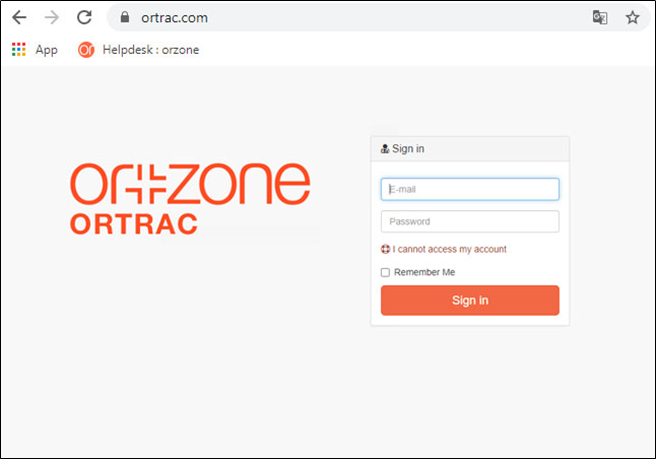
Go to www.ortrac.com
Login: exam1@orzone.com (123456)
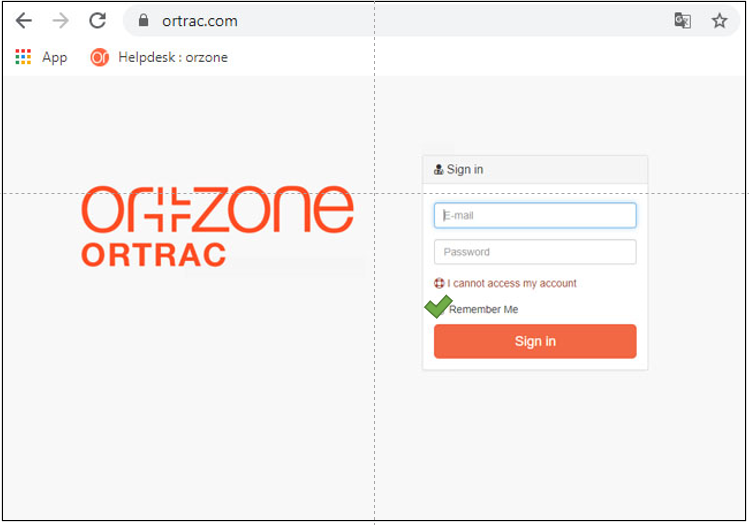
Remember me
Mark the checkbox Remember me
If you mark the Remember me checkbutton, you will be connnected for 8 hours, if not you will be logged out, after 30 to 60 minuter. This is a security feature.
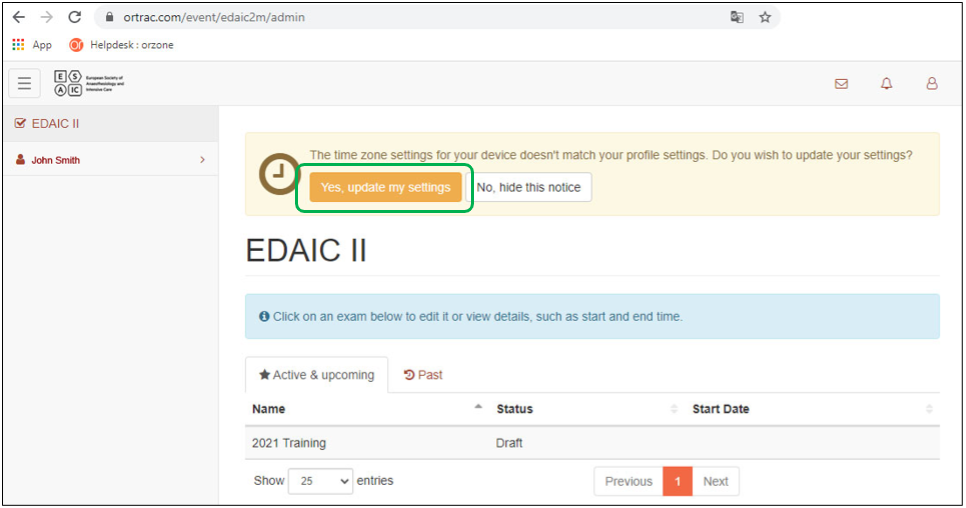
Update your timesettings
only the first time
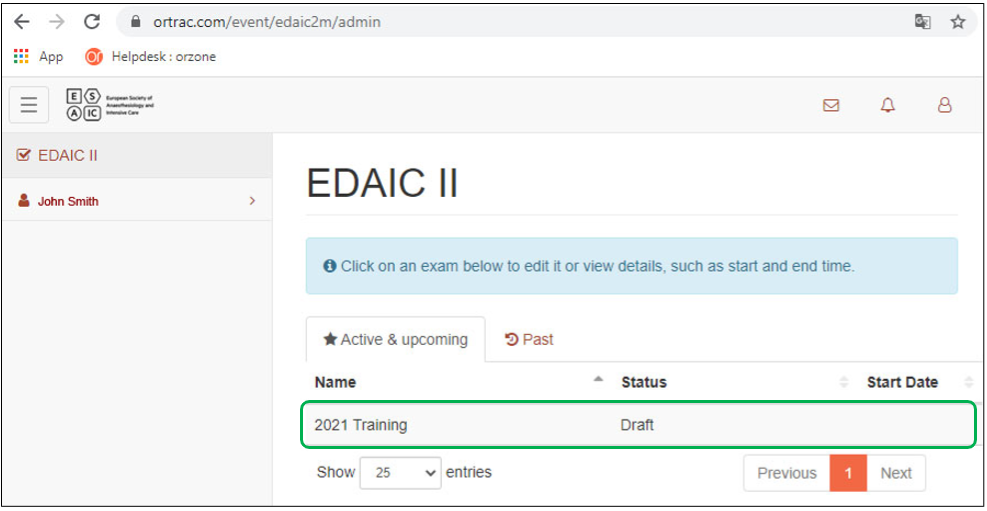
Click at the event
to find your form
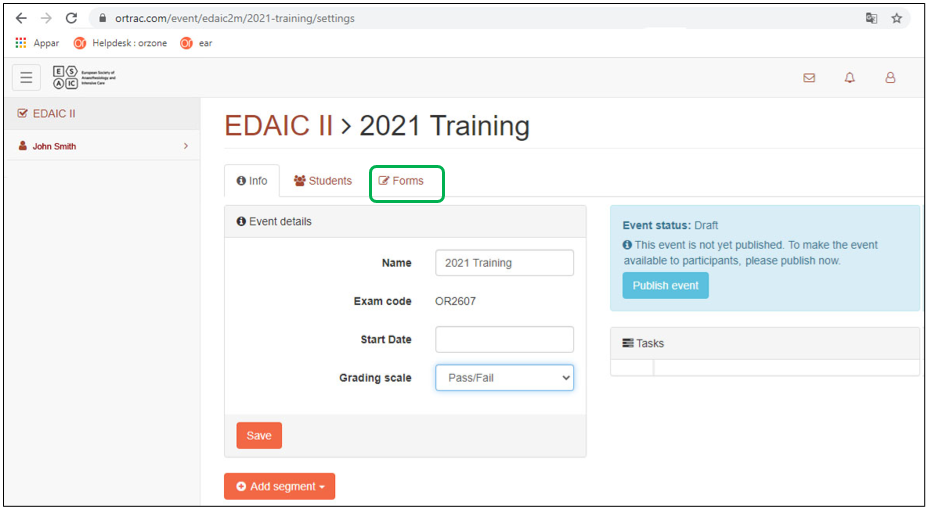
Click the forms tab
to find your form
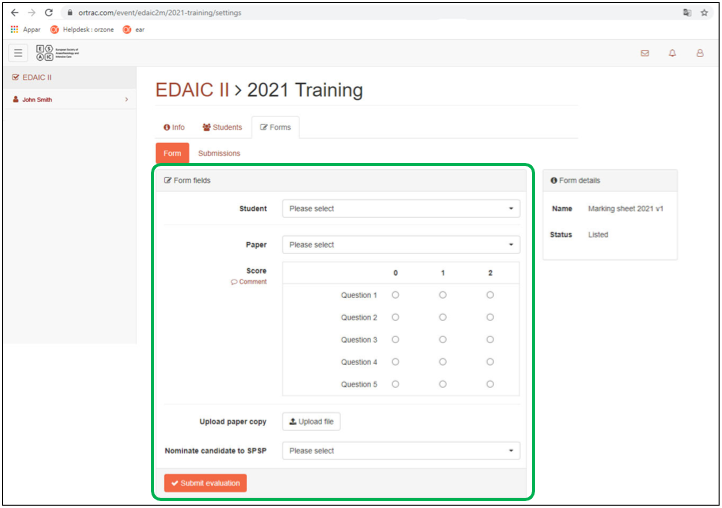
Do the marking for a candidate
Fill out form
to evaluate a student
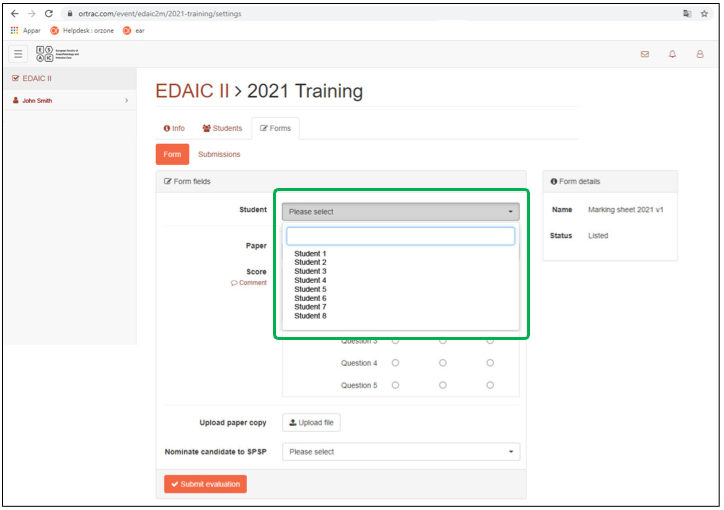
Fill out form - select a student
and evaluate the selected student
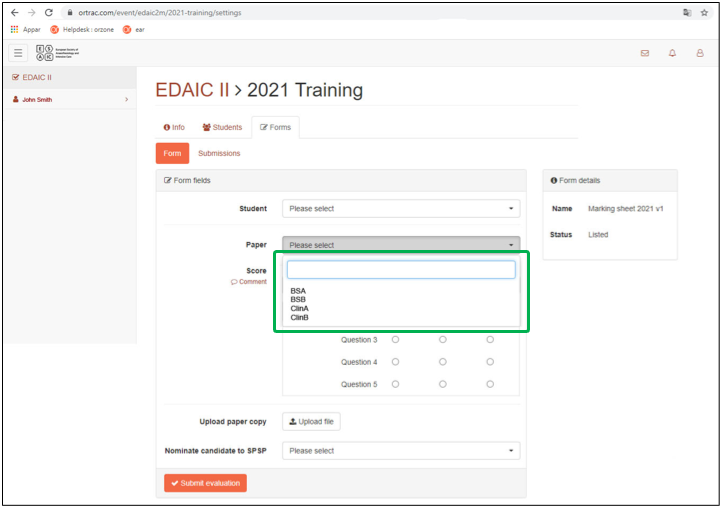
Fill out form - select a Paper
choose between BSA, BSB, ClinA, ClinB
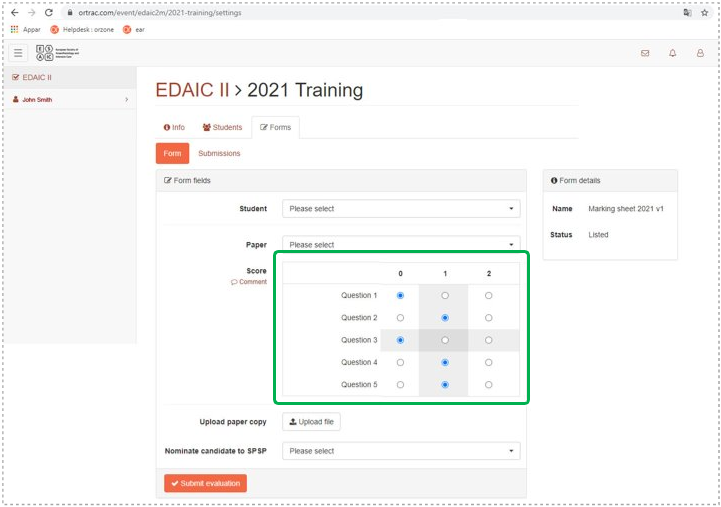
Fill out form - add Score
5 questions, one answer per question (0-2)
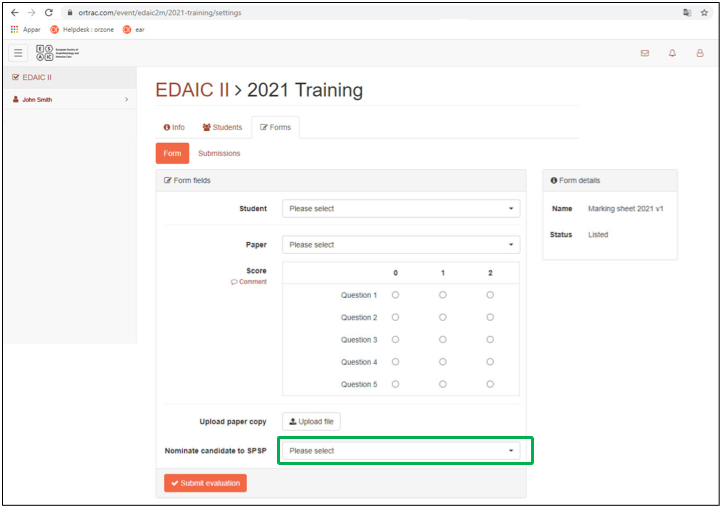
Fill out form - Nominate Candidate
to the SPSP award
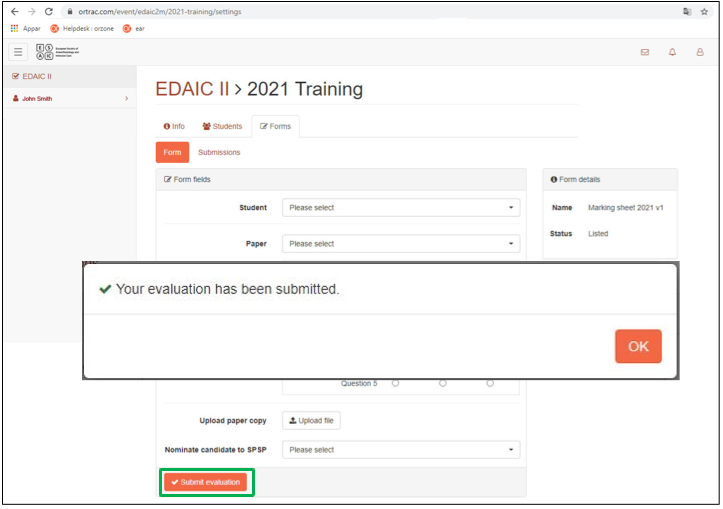
Fill out form - Submit form
wait for the popup window to confirm the uploaded document
View or edit your own markings (for an examiner)
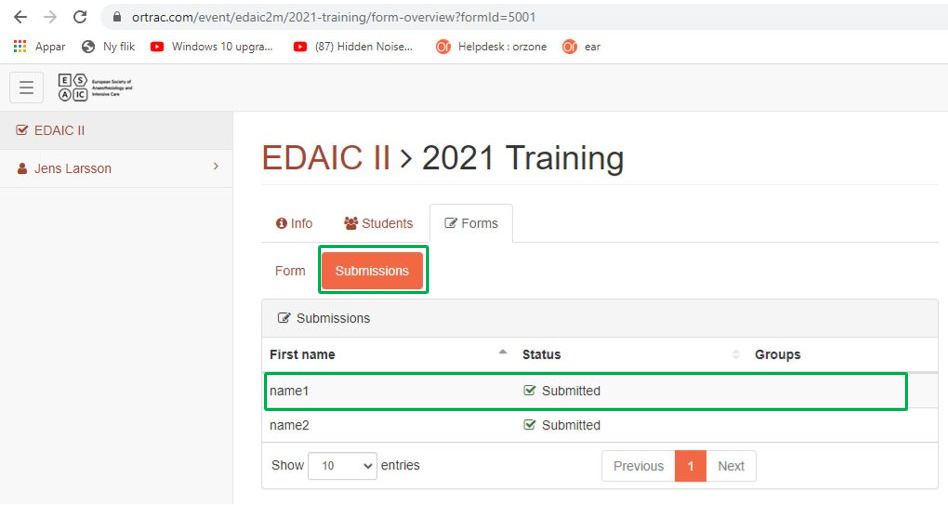
View your own markings (submissions)
- click on the Submissions tab
- click on a specific submission
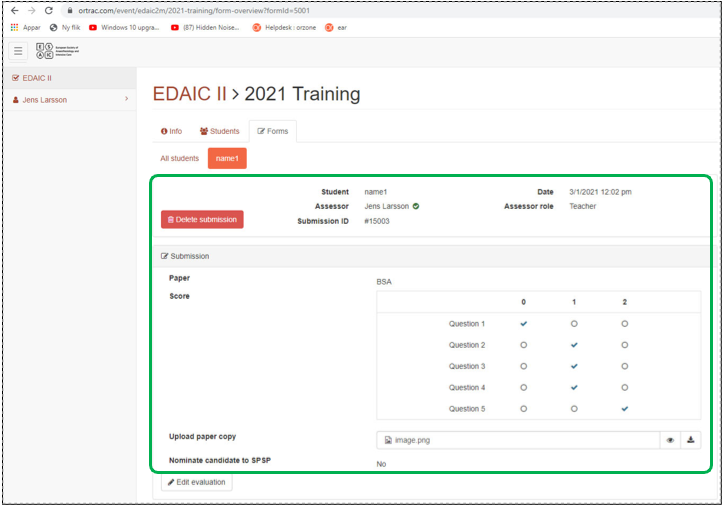
View the selected marking
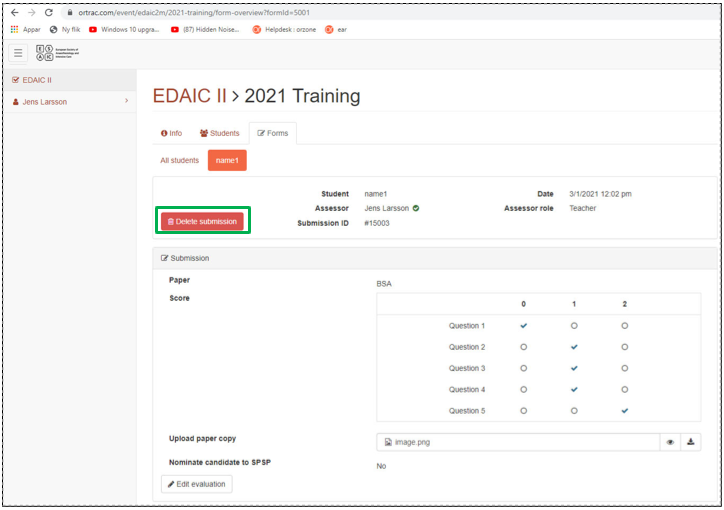
Delete the marking
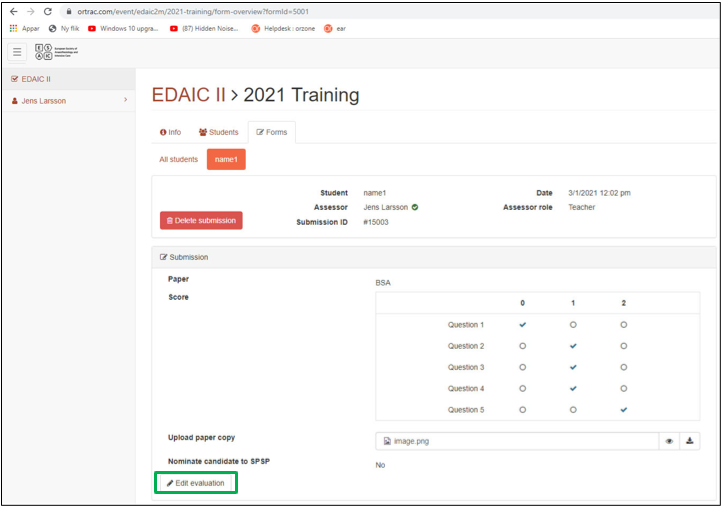
Edit the marking
- click on the Edit Evaluation button
- available changes:
- Paper
- Score
- Upload paper copy
- Nominate candidate to SPSP
- Press Save Button
ESAIC HQ staff
View Submission
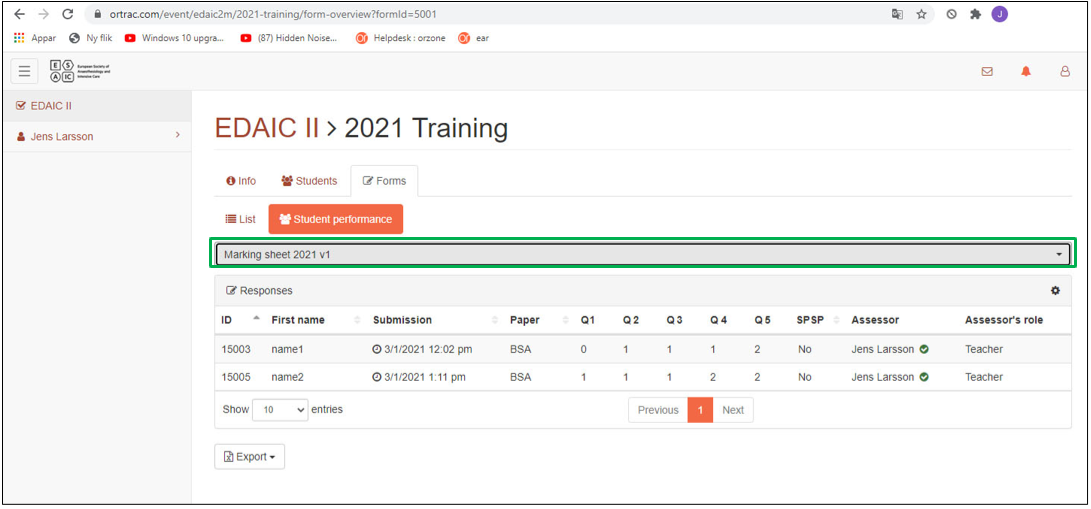
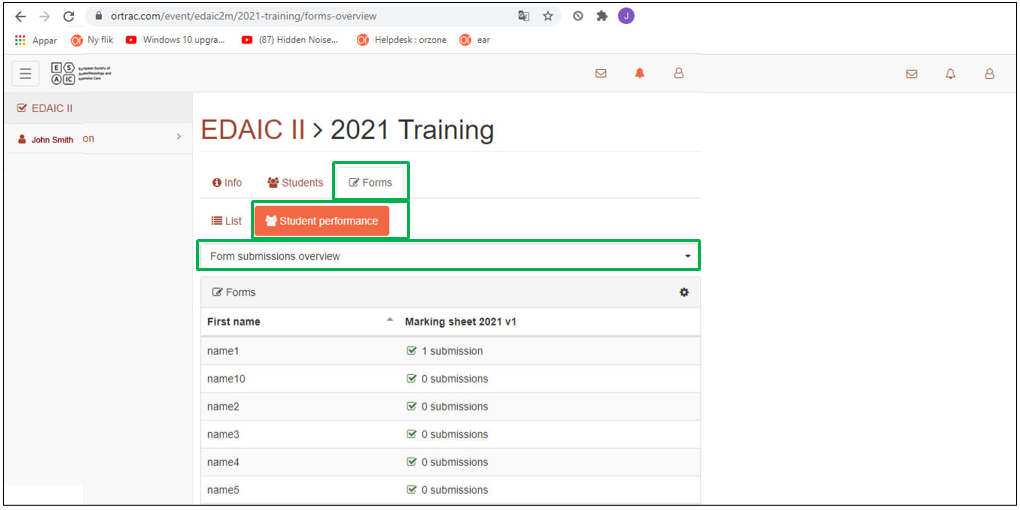
- click on the Forms tab
- click on the Students Performance tab
- select the form from the dropdown menu From Submission Overview
List of submissions
- sort by candidate
- sort by time submitted time
- sort by paper time